
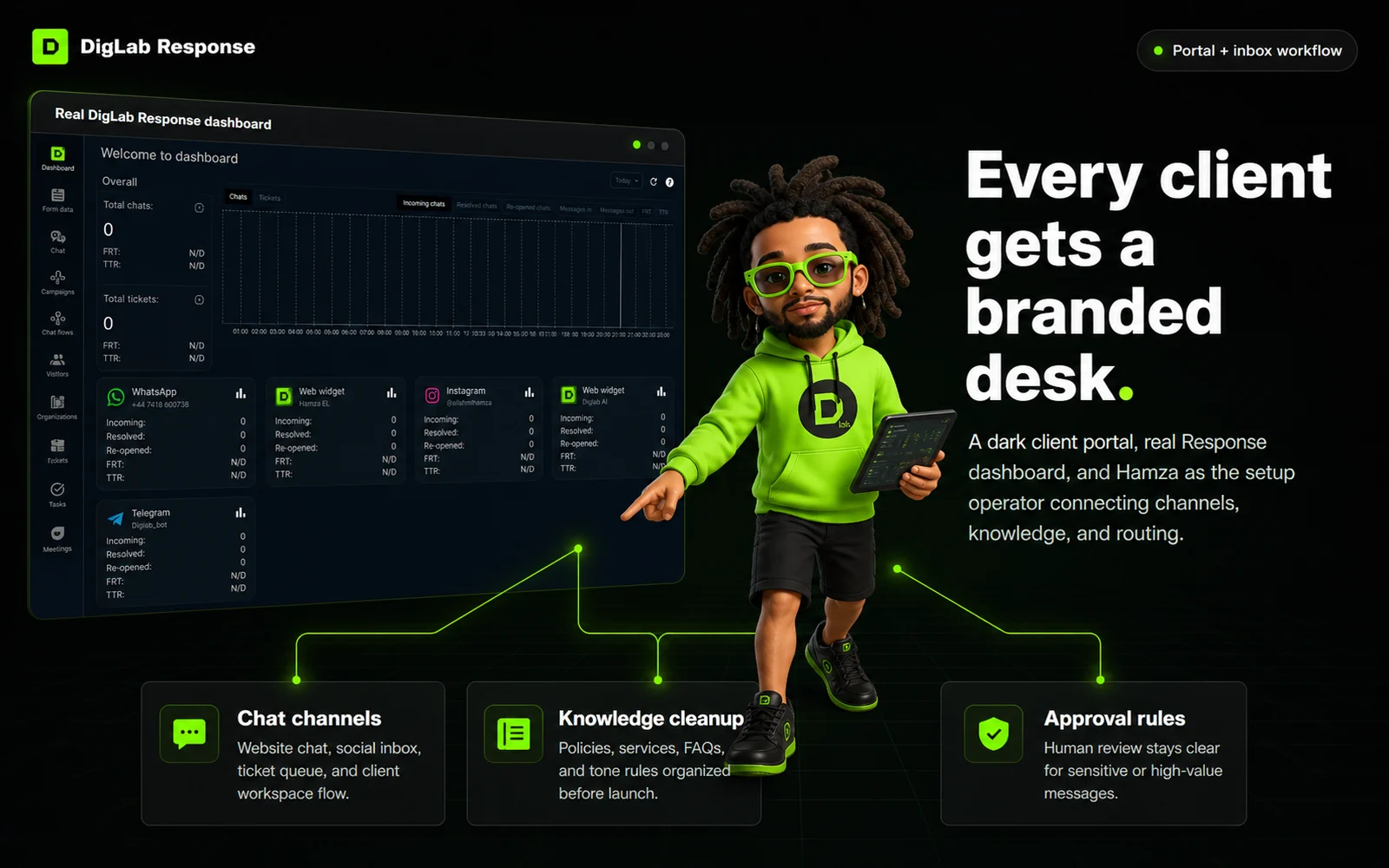
Every client gets a branded desk.
DigLab Response helps agencies offer client-facing chat, shared inbox routing, knowledge-base answers, and human handoff under their own brand.
Every client gets a branded desk.
DigLab Response helps agencies offer client-facing chat, shared inbox routing, knowledge-base answers, and human handoff under their own brand.
Support gets scattered
Messages live across chat, WhatsApp, Instagram, tickets, and inboxes with no clean operating layer.
Clients need visibility
Agencies need a branded place where response work, support rules, and escalation status are clear.
Answers must stay accurate
AI replies need approved docs, policies, and handoff boundaries instead of random improvisation.
Humans still matter
DigLab keeps setup practical: train, route, approve, escalate, and improve the desk over time.
One branded support layer for client accounts.
Use DigLab Response as the managed service layer behind client support, onboarding, lead capture, and knowledge-base answers without sending clients into a generic vendor experience.
Client-facing brand
Configure the support name, logo, widget experience, support email, and knowledge-base presentation.
Channel routing
Organize web widget, WhatsApp, Instagram, Telegram, ticket, and agent workflows where supported by the account.
Knowledge base
Turn client FAQs, policies, services, and internal notes into a cleaner answer source for AI and humans.
Human approval
Set escalation rules so sensitive questions move to a person instead of pretending every answer should be automated.
From setup request to live response desk.
DigLab handles the implementation path: intake, account setup, brand layer, knowledge cleanup, and launch support.
Intake
Collect business details, support email, channels, brand files, policies, and approval contacts.
Configure
Set the workspace, logo, widget, channel cards, roles, and client-facing help center.
Train
Load approved FAQs, service details, refund rules, lead questions, and escalation boundaries.
Test
Run sample support questions, review draft replies, check routing, and confirm handoff rules.
Launch
Go live with the widget and support flow, then improve the knowledge base from real conversations.
Clear promises. No fake automation claims.
The page sells the managed support system while keeping policy, channel, and AI limits honest before purchase.
Does this replace human support?
No. It creates AI-assisted routing, draft answers, and knowledge-base replies with human handoff for sensitive questions.
Can this be white-labeled?
Yes. DigLab Response supports DigLab-facing branding, support email, knowledge base, and portal presentation.
Which channels can be used?
Use the channels supported by the account and current platform/API permissions, such as web widget, tickets, WhatsApp, Instagram, and Telegram where configured.
What happens after purchase?
Buyers submit onboarding details, DigLab configures the response desk, tests the flow, and launches the support layer manually.
Give every client a branded AI response desk without building support software from scratch.
Start with the setup request, then DigLab turns the brand, knowledge, channels, and handoff rules into a working response workflow.