
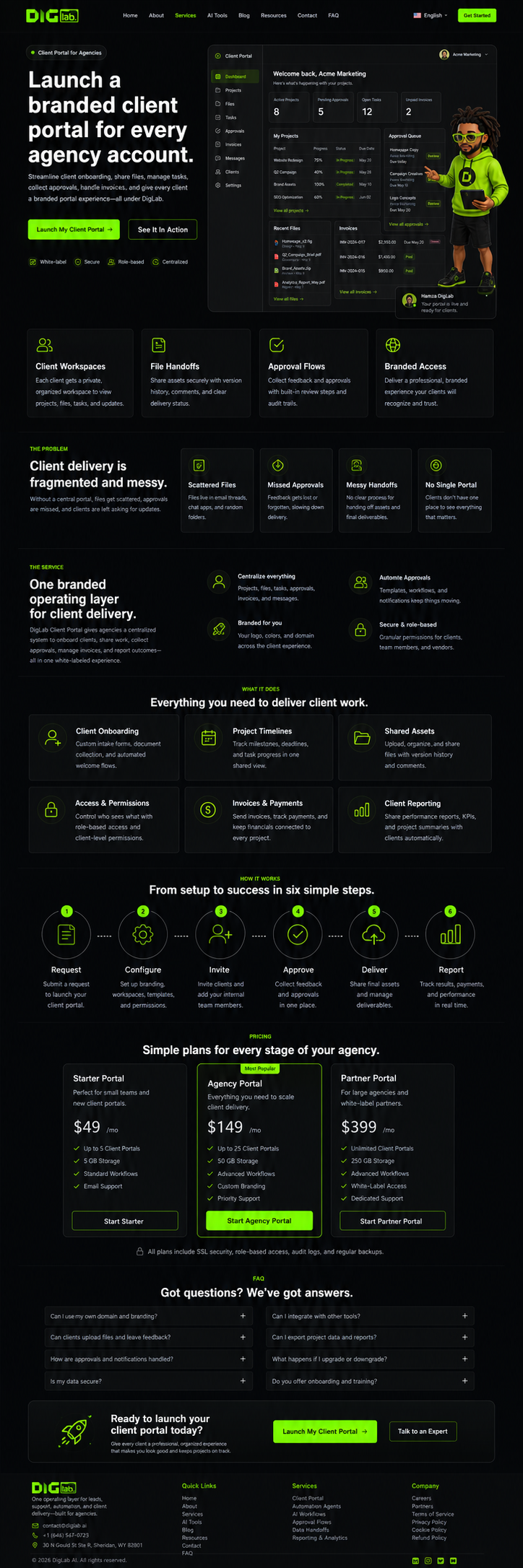
Launch a branded client portal for every agency account.
DigLab Client Portal gives agencies a branded operating layer for client onboarding, shared files, task visibility, approvals, invoices, and delivery updates.
Client delivery gets messy when everything lives in chats and folders.
The portal turns scattered client operations into a calmer branded system clients can actually understand.
Scattered Files
Assets and notes end up across emails, drives, and private chats.
Missed Approvals
Reviews stall because the next action is not visible.
Payment Handoffs
Invoices and setup steps are disconnected from delivery.
Weak Client Experience
Good work feels less premium when the process looks messy.
One branded portal layer for onboarding, files, approvals, and delivery.
DigLab sets up the client-facing structure, operating rules, and handoff paths so the portal supports real agency work.
Client Onboarding
Collect business details, access, files, brand rules, and approval contacts in one clean intake path.
Delivery Workspace
Organize projects, milestones, tasks, and shared client assets without exposing internal clutter.
Approval Flow
Route client reviews, file approvals, and launch decisions through a visible process.
Document Hub
Keep contracts, strategy docs, SOPs, briefs, and recurring deliverables easier to find.
Payment Handoff
Connect setup requests and billing instructions to the right onboarding flow.
Client Reporting
Give clients a recurring place to review status, next steps, and completed work.
From setup request to live client workspace.
Each portal starts with manual intake and structure before client access is opened.
Request
Choose the client portal scope and submit setup goals.
Structure
Define client types, workspaces, permissions, and menus.
Brand
Apply agency naming, logo, support links, and client-facing language.
Import
Load core docs, intake forms, files, and project templates.
Invite
Open client access after QA and access checks.
Operate
Use the portal for delivery, approvals, and recurring updates.
Clear promises before setup.
The page sells a managed portal layer, not an unsupported promise that every backend tool is invisible in every situation.
Is this fully white-labeled?
The public client experience is designed around DigLab or agency branding. Backend vendor visibility and custom-domain scope are verified during setup.
Can clients upload files?
Yes, the portal can include intake, file handoff, and document areas depending on the selected workspace setup.
Can it handle invoices?
DigLab can connect payment handoff and billing instructions, but checkout publishing depends on the final commerce stack.
Is access separated by client?
Yes. The portal structure is planned around separated client workspaces, roles, and permissions.
Give every client a cleaner delivery experience.
Start with one client portal, then expand the same branded operating layer across your agency accounts.